Your AI Partner Guiding Your Team to Less Chaos. More Closing.
Jora uses AI and a few magic tricks to automate, guide, and validate the conveyancing process, enabling you and your team to close more transactions in less time with less mess.
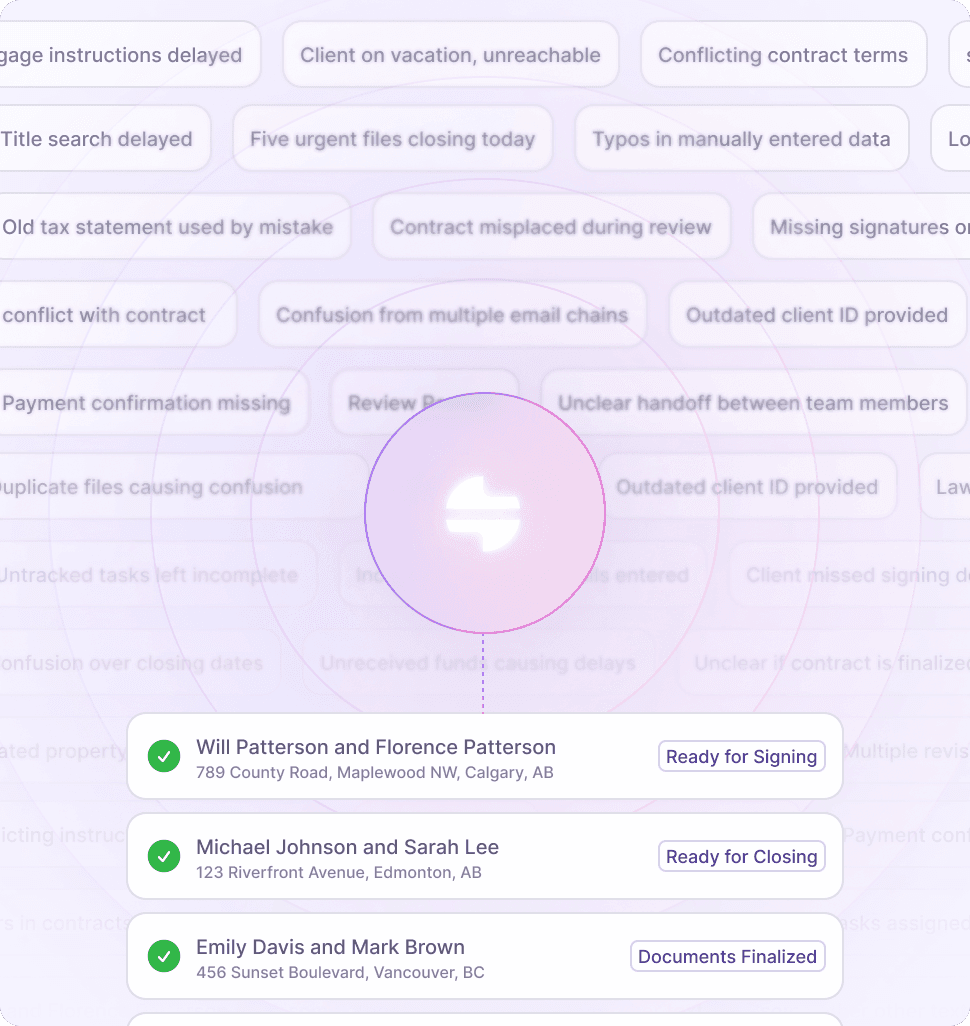
AUTOMATION AND INTEGRATION
Make Every Task Feel Like A Magic Trick
Jora is your AI-enabled conveyancing partner who never sleeps, never skims, always follows up, and knows every detail of every file.
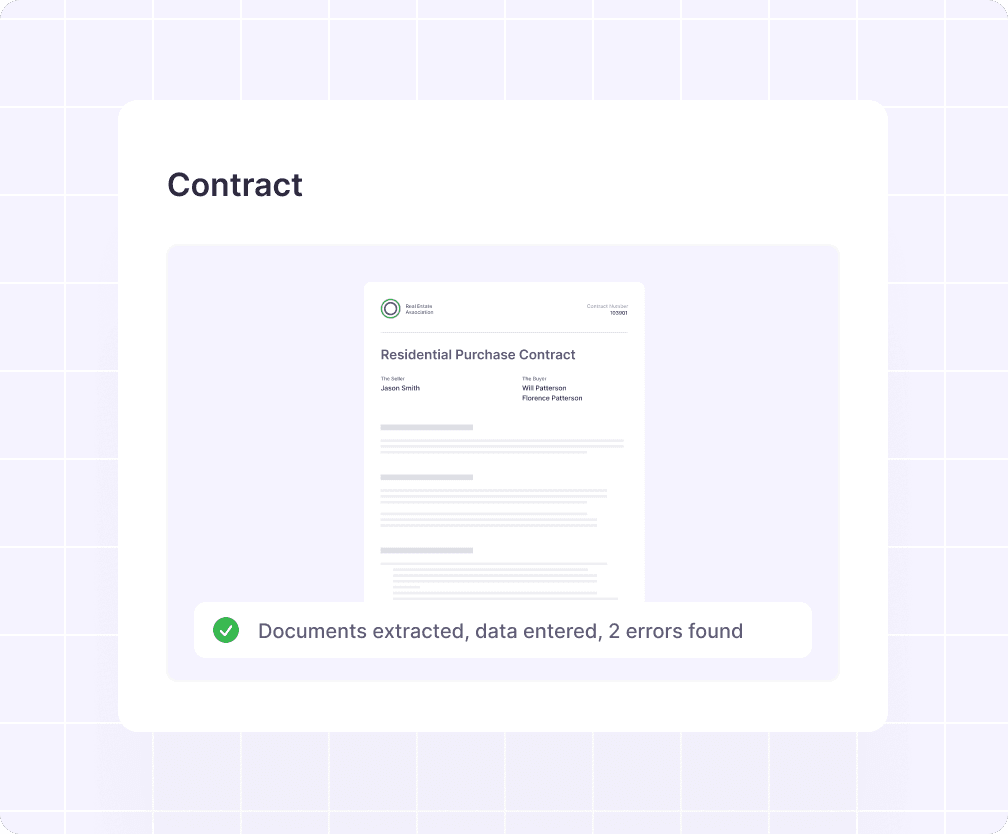

Automated Document Extraction and Data Entry
Jora helps you extract and map the relevant terms, text, and financial data from real estate titles (with automatic extraction for tax certificates and contracts coming soon).

Ecosystem Integrations
Jora is integrating with partners in the real estate ecosystem. You can currently pull land titles from SPIN2 and soon will be able to request title insurance and complete KYC right from Jora.

Validation and Versioning
Most files get reviewed and re-reviewed endlessly. But Jora's foolproof validation process ensures that the right person checks that the right details are in the right place. Every. Single. Time.
WORKFLOW
Workflow That Flows As You Work
Jora's entire workflow adapts dynamically to every new document and data point.
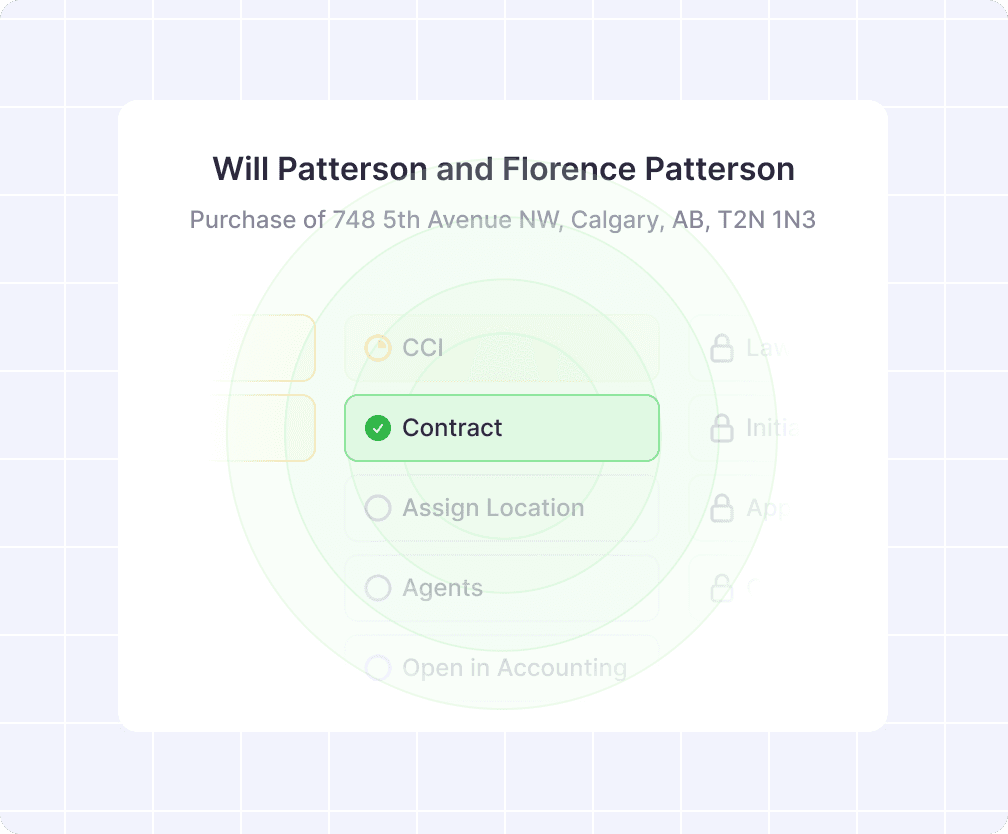

Done Once and Done Everywhere
Jora shapes and reshapes the optimal path to a seamless closing. Changing data ripples across multiple statuses and actions. Complete a step once and it's done everywhere.

Notes, Issues, and Undertakings
Record client preferences as Notes, monitor critical tasks (such as RPRs and contract reviews) as Issues, and manage lawyer-to-lawyer promises as Undertakings.

Working the Night Shift...And the Day Shift
Jora's workflow is always working (even when you aren't). So important info from clients, lenders, and lawyers shows up right in Jora and is flagged for review.
SCHEDULING AND COLLABORATION
Come Together. Right Now. . . Or Later
Jora is designed to help you and your team work together to manage high file volume without missing a step.
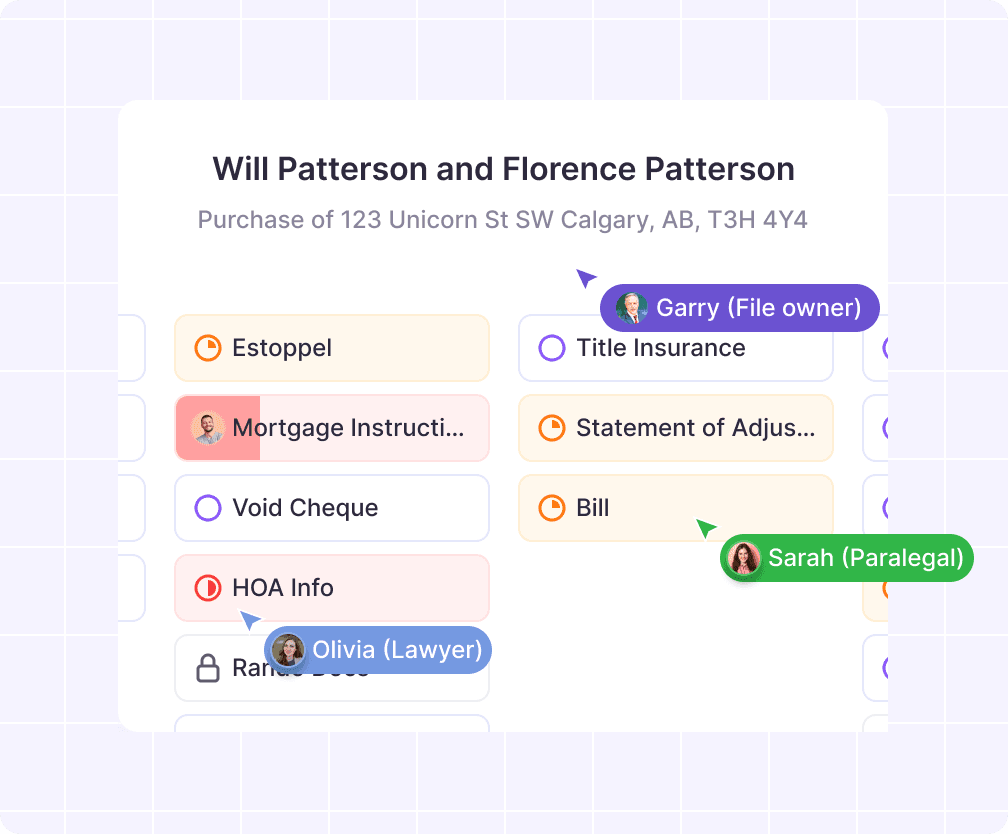

Work On the Matters that Matter Most
Jora enables you to schedule matters based on the most pressing issues along the critical path toward closing and put matters that don't matter yet out of your mind.

Views and Notifications
Jora's desk view enables you to take in your entire world at a glance and zero in on the most important task for today. Jora will notify you of pressing issues and approaching deadlines.

Collaborate to Close
Jora's file structure enables you to assign your team members tasks without stepping on each other's toes. And don't worry; you'll be able to validate every step by every one.
COMMUNICATION
Everyone in the Know. Now!
Jora makes communicating with clients, realtors, lenders, and lawyers a breeze so you can communicate more (and more often).
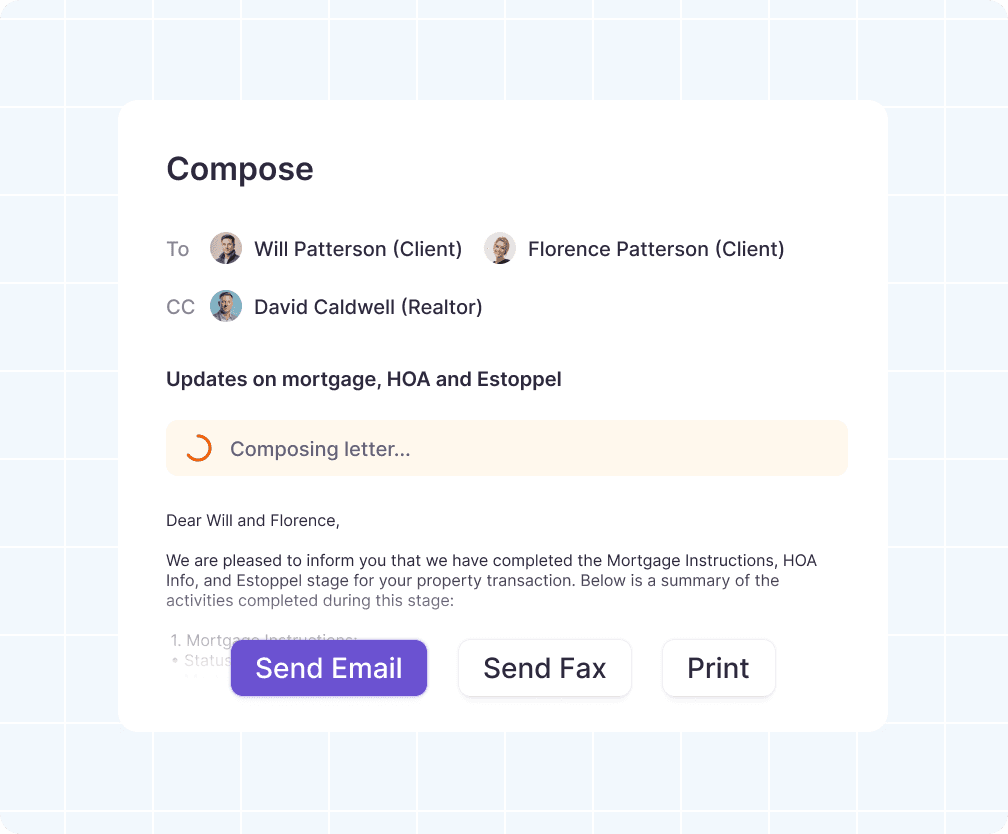

Message Templates
Create communication templates that combine documents and details from the file in a pre-formated structure.

Email, Fax, or Portal
Jora sends and receives both email and faxes. When you send a message through Jora, it's associated with the work area you sent it from, and replies show up right in context.

Message Magic Tricks
Because Jora manages your messages with everyone connected to the file, you can easily keep track of who you've contacted, when you contacted them, and how often you've followed up.
PRODUCTION
Create and Re-Create The Perfect Package
Jora makes document production effortless by enabling you to blueprint exactly what should be in a package - and then let Jora guide you through production.


Blueprint the Perfect Package
A Blueprint defines communication and document placeholders for the perfect package - even before you have the package contents.

Updates Automatically
As you make changes to the underlying data and complete documents, the package blueprint updates automatically with the latest information.

Package and Re-Package
You can to split and recombine any document in Jora. This means when you receive the fully-executed signing package, getting the part you need for your final report is only a few clicks away.
We Cover all the Essentials
Jora delivers all the functionality you expect from a conveyancing platform: Industry directories, extensive integrations, and iron-clad security. But for us, that's just the warmup.
Security
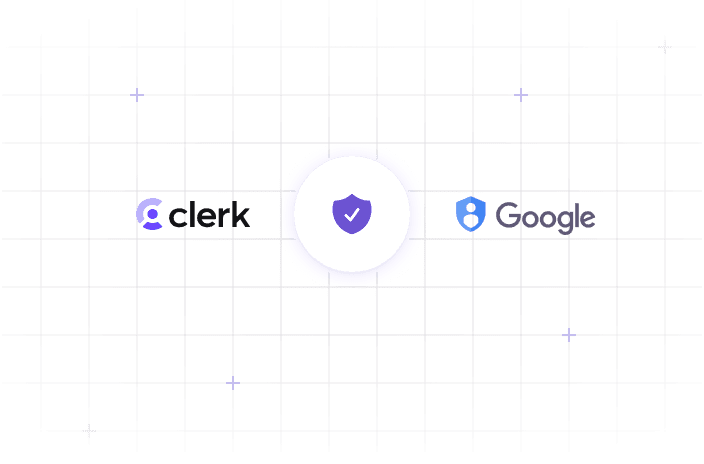
Jora integrates with Clerk and Google's IAM suite to keep data secure. Access is protected by passkeys and 2-factor authentication.
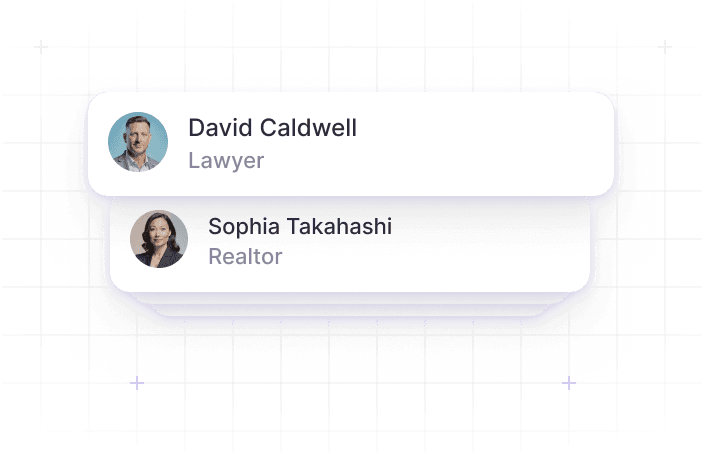
Databases
Jora helps maintain directories of lenders (with realtors and lawyers coming soon)... so you don't have to.
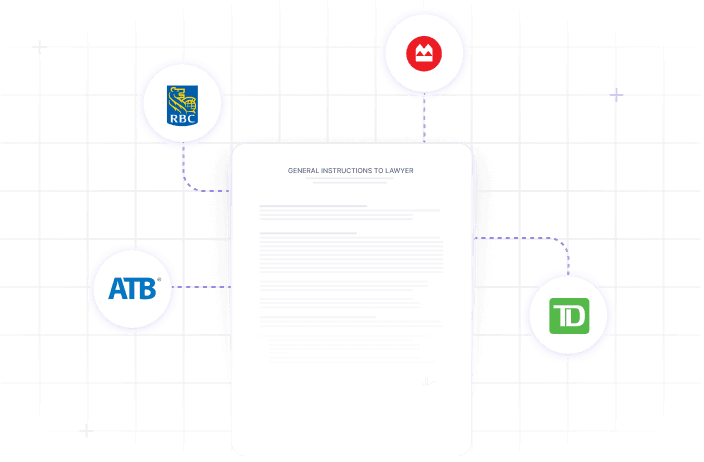
Mortgage Instructions
Jora works with Canada's leading lenders to ensure you have the right instructions as soon as possible.
Unlock Faster Closings with Jora
Jora makes closing real estate deals feel a little like magic✨, and we think you're going to love what you see.